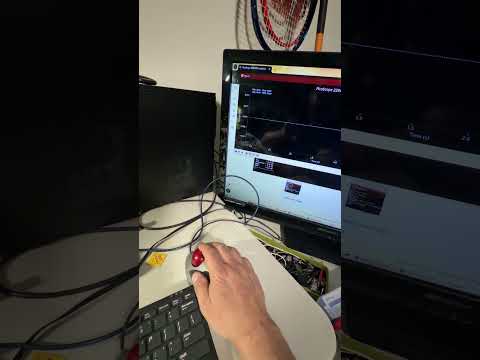
Pico scope remote control. Using python to access pico scope. Adding some muscle to my scope
2026-06-02
Channel: Autotech0369 (1210 subscribers)
This video tackles something genuinely useful for anyone with a PicoScope sitting on their bench: driving it programmatically from Python instead of clicking through the GUI. The PicoScope SDK exposes a C API (ps2000a, ps4000a, etc.) with Python bindings, and once you can script captures, the scope stops being just a visualization tool and becomes a data acquisition instrument you can fold into automated test setups, long-running logging, or custom analysis pipelines.
What makes this worth watching over a generic "intro to SCPI" video is that PicoScopes are a popular hobbyist/automotive-diagnostic choice, and the creator (Autotech0369) appears to come from the automotive side — so the framing is likely practical rather than purely academic. Expect to see how to initialize a handle to the scope, configure channels and timebases, trigger a capture, and pull the raw sample buffer back into a NumPy array for plotting or post-processing with SciPy.
If you've ever wanted to capture hundreds of waveforms unattended, do automated frequency sweeps, or correlate scope data with other instruments, this is the foundation. It's a "first steps" video, so don't expect deep optimization — but the leap from GUI-only to scriptable is the high-value step, and everything after that is incremental.
