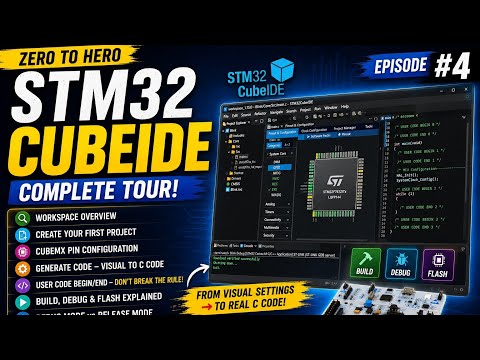
STM32CubeIDE Complete Tour | Every Panel Explained | Zero to Hero #4 Hindi
2026-07-02
Channel: Hardware_Programming (1730 subscribers)
Most STM32 tutorials skip straight to blinking an LED, leaving beginners baffled by the wall of panels, perspectives, and configuration wizards that make up STM32CubeIDE. This video takes the opposite approach: before writing a single line of code, learn the tool. That's an unusually mature pedagogical choice for a beginner-oriented series, and it pays dividends later when you're debugging a peripheral clock tree at 2 AM.
STM32CubeIDE is an Eclipse-based environment bundled with STM32CubeMX, the graphical peripheral and clock configurator. For newcomers moving up from Arduino, the sheer surface area — the Project Explorer, the Device Configuration Tool, the Pinout view, the Clock Configuration tab, the Debug perspective, the memory browser, the SFR (special function register) viewer — can be paralyzing. A guided tour that names each panel and explains its purpose demystifies the workflow.
This is episode 4 of a "Zero to Hero" series, so the creator is building context deliberately. The video is presented in Hindi, which broadens accessibility for a huge population of embedded students in South Asia who often struggle to find quality vernacular tutorials on professional-grade ARM tooling. STM32 microcontrollers are the industry workhorse for cost-sensitive embedded designs, so this is genuinely marketable knowledge.
Worth watching if you've downloaded CubeIDE, opened it once, and quietly closed it in confusion.
