USB-C Power Board in KiCad | PCB Design Tutorial Part 1
2026-09-05
Channel: ByteShield (6 subscribers)
Most of this week's candidates are variations on the same theme: "I designed X in EasyEDA Pro" clips with empty descriptions and heavy hashtag branding for JLCPCB. ByteShield's USB-C Power Board in KiCad stands out because it picks a genuinely useful project and commits to walking through it in the open-source tool that hobbyists and professionals actually reach for.
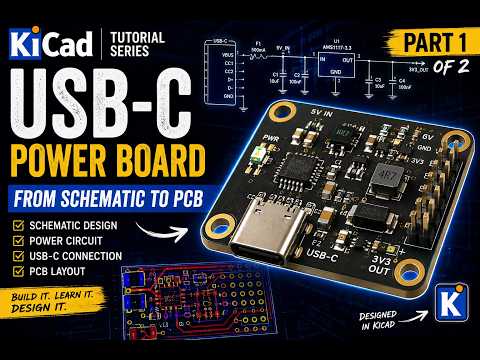
A USB-C power breakout is a great teaching subject. To do it properly you have to understand the CC pull-down resistors that negotiate 5V from a Type-C source, decide whether you want fixed 5V or full PD, place the receptacle footprint correctly, and route power traces wide enough to handle 3A without excessive drop. Part 1 focuses on schematic capture in KiCad — component selection, symbol/footprint assignment, and the electrical rules that make the difference between a board that just powers on and one that behaves correctly across cables and chargers.
The channel is brand new (6 subscribers) so production polish will be modest, but small-channel KiCad walkthroughs are often more honest than slick tutorials — you see the menu hunts, the ERC warnings, and the real decision points instead of a pre-baked project. If you're learning KiCad and want a concrete, finishable target, this is a good one to follow along with, especially with Part 2 covering layout still to come.
